Your photo remains the focus
The picture is not replaced with unrelated clips. It stays visible as the emotional anchor of the video, presented in a vertical layout designed for phone screens.
Photo to music video maker
Start with one picture, create an original song about the moment, and turn the finished track into a vertical lyric video you can save or share. The original song and music video both come from the same photo, with no filming or editing skills required.
The image stays at the center while the original vocals, music, title, and beat-synced lyrics give it motion and meaning.
· Built and maintained by the Memories Made Music team
Your first song includes a free branded 30-second lyric video. Full-song clean exports require the $9.99/month Creator Pass add-on; song plans are sold separately after the first free song. Existing Polaroid Pass and Creator Pass members keep their original price and the same unlimited benefits.
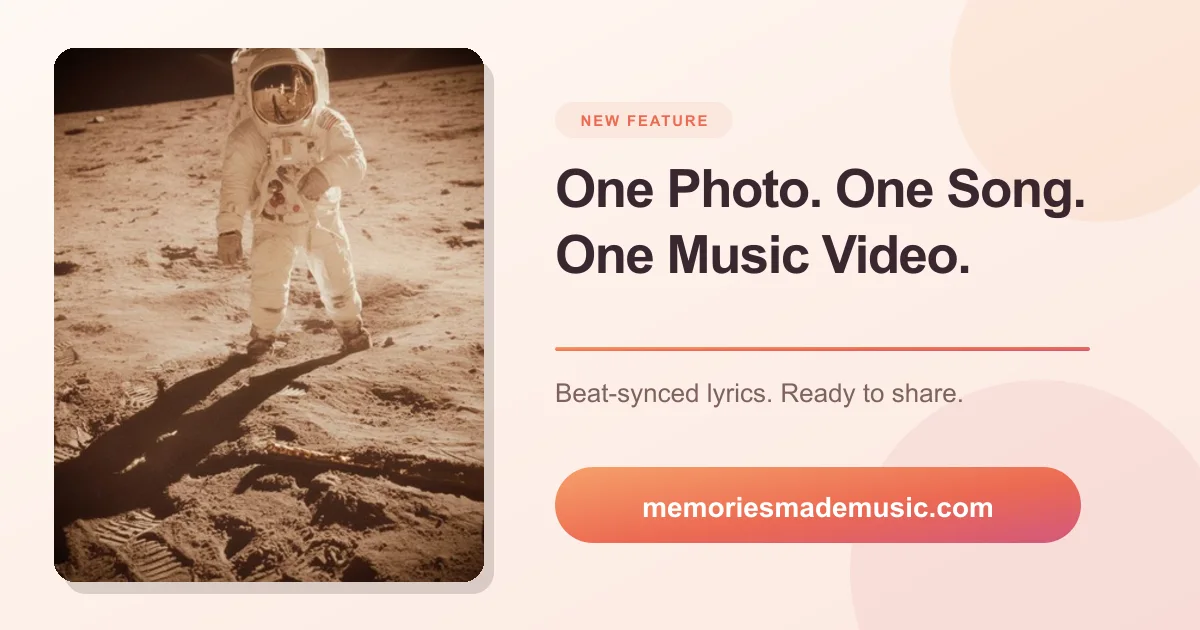
This is more than placing background music under a still image. The photo first becomes the source for an original song. Its visible details, emotional tone, and subject guide the lyrics and musical direction. The finished audio is then paired with the picture and timed lyric animation in a mobile-friendly video, so the image, words, and soundtrack arrive as one shareable memory.
The picture is not replaced with unrelated clips. It stays visible as the emotional anchor of the video, presented in a vertical layout designed for phone screens.
Each track includes original lyrics and vocals instead of a generic music-library loop. You can read the words in the app and listen before preparing the video.
Beat-synced lyrics make the words readable without pulling attention away from the photo. Choose a short social cut or a video that carries the full song.
You do not need video-editing experience. The creative decisions begin with the photo; the app handles the original song, lyric timing, and video after the track is finished.
Pick a clear picture with a person, pet, place, or moment you care about. A single strong image gives the song a specific subject instead of turning the result into a generic slideshow.
Memories Made Music reads the visible details and mood, writes original lyrics, and records a complete song with vocals. You can listen to the result and read the words before sharing it.
Open the finished song and choose a short 30-second cut or the full-song video. The video pairs your image with the music, title, and beat-synced lyrics in a vertical MP4.
Want the deeper technical and creative breakdown? Read our guide to turning a photo into a song.
Slideshows are useful when the story depends on a sequence of pictures. A one-photo music video is better when a single moment already carries the story: a wedding portrait, a child with a grandparent, a pet doing something unmistakably itself, or a place that means home.
Keeping one image on screen gives the listener time to notice the details while the song adds context and emotion. It also means you can make something polished even if you do not have a folder full of usable clips.
Making the video for someone else? Our photo-song gift option can send the finished song directly to the recipient.
No. The same workflow creates the song from your photo before preparing the video. If you want to learn how the image becomes lyrics and music, see how the photo-to-song process works.
Yes. Every finished song can make a free branded 30-second video for quick posts. Full-song videos, clean exports, and premium looks are included with Creator Pass, a separate $9.99/month add-on. Existing Polaroid Pass and Creator Pass members are grandfathered at their current price. After your first free song, a song plan is also required to keep creating new songs.
The share video is prepared as a vertical MP4 for posting to TikTok, Instagram, YouTube Shorts, and other vertical-video feeds. On desktop it downloads as a file; on supported mobile devices you can use the phone's share sheet.
Yes. Memories Made Music already has the original lyrics it wrote for the song, so the lyric video maker can time those words to the finished audio and animate them over the photo without a manual video timeline.
A basic editor pairs any existing track with an image. Memories Made Music first writes and records a new song inspired by the actual photo, then turns that result into the shareable video.
Choose the picture you keep coming back to. Memories Made Music will turn its details and feeling into an original song, ready to carry into a personal music video.
Create from my photoNeed plan details first? Review Memories Made Music pricing.
Learn more about the product and its creator on the About page.